
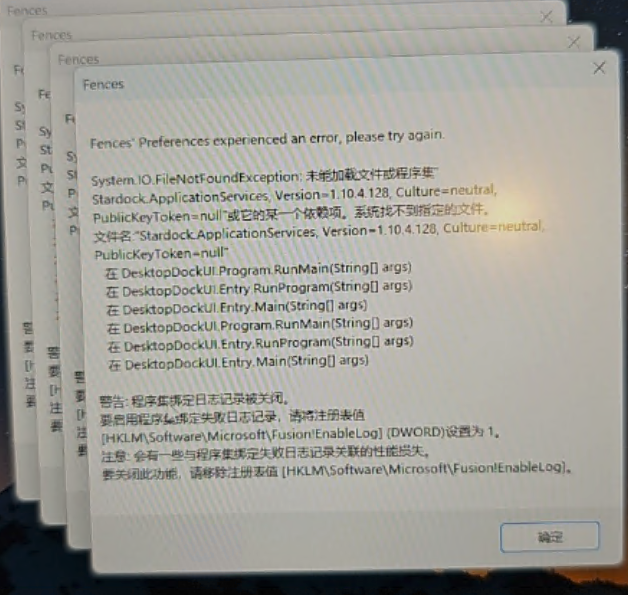
Fences' Preferences experienced an error
Hello, I encountered the error shown in the screenshot while using Fences 6. Reinstalling the software did not resolve the issue. How can this be fixed? Thanks.
Stardock will be closed starting on November 26th and we will be returning November 30th. We will be monitoring support tickets and forums but expect delays in responses during this time.
Hello, I encountered the error shown in the screenshot while using Fences 6. Reinstalling the software did not resolve the issue. How can this be fixed? Thanks.
Hello,
Sorry to hear you are having issues. Please try purge and reinstall steps as mention here : [Link]. Just make sure to redownload the latest version from your account page. Reboot after the purge. Reinstall and reboot again after the installation. Retest and report back here.
Thank you,
Basj,
Stardock Community Assistant.
Hi Ken, wondering if you can update to a version that contains more debug logging and get a us a report?
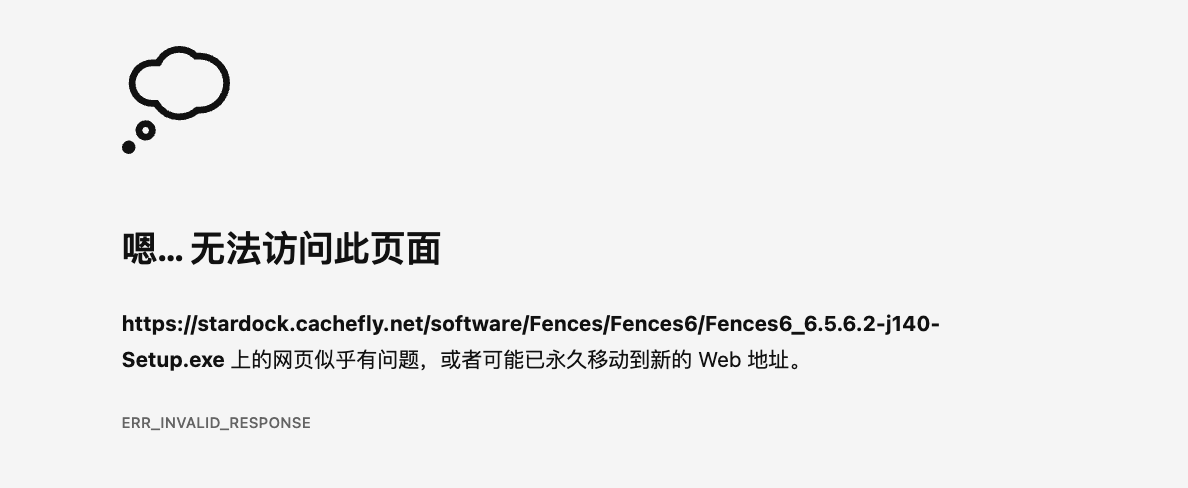
1) Install https://stardock.cachefly.net/software/Fences/Fences6/Fences6_6.5.6.2-j140-Setup.exe
2) Go to About tab, and from Troubleshooting choose "Create error report package" and upload it to us.
We're happy to look into why this is happening for you.
Hi,
The link you sent is no longer working. Could you please send it again?

Hi Ken, you can access the latest copy here:
https://stardockcorporation.sharepoint.com/:u:/r/sites/software/Shared%20Documents/Forms/AllItems.aspx?id=%2Fsites%2Fsoftware%2FShared%20Documents%2FFences%2FBuilds%2FFences6%5F6%2E5%2E8%2E1%2Dj150%2DSetup%2Eexe&parent=%2Fsites%2Fsoftware%2FShared%20Documents%2FFences%2FBuilds&p=true&share=cQruXIjZQpAvR4CNL5uWNpENEgUChLvDoM%2D%2D65hEFVpy5ZZIYA
Welcome Guest! Please take the time to register with us.
Select a reason for giving karma:
You're about to visit an external site:
Sign up here to get the latest news, updates, and special offers delivered directly to your inbox.