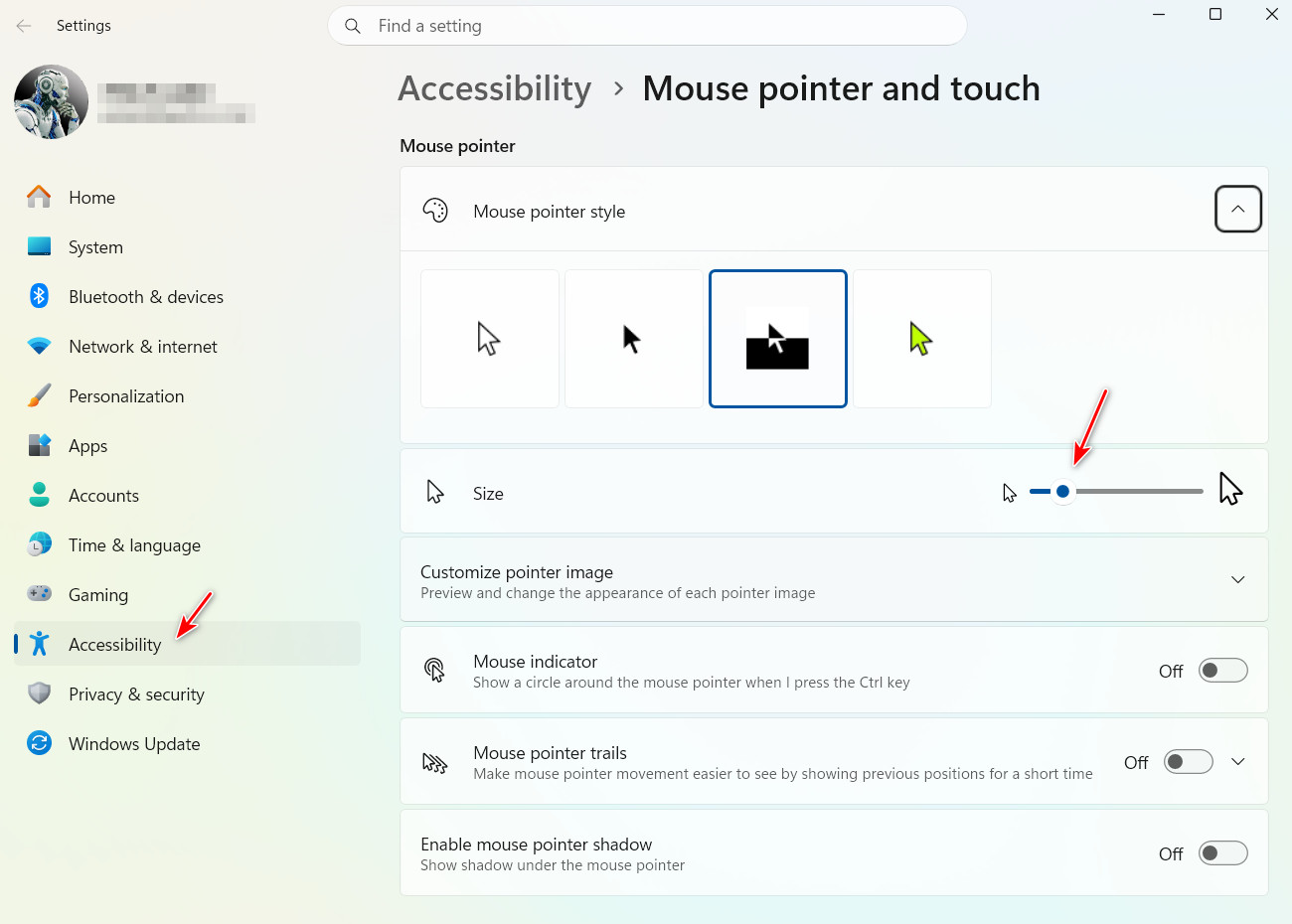
Cursor size starts going crazy
When changing screen scale
from  Stardock Forums
Stardock Forums
With 2 displays (I don't think that matters, but included for completeness) and the Windows display scale set 100%, change it to 150% or 200% and watch the cursor constant change size with every movement. Closing CursorFX and reopening it solves the problem.
 WinCustomize Forums