Start button not centered on all moniters

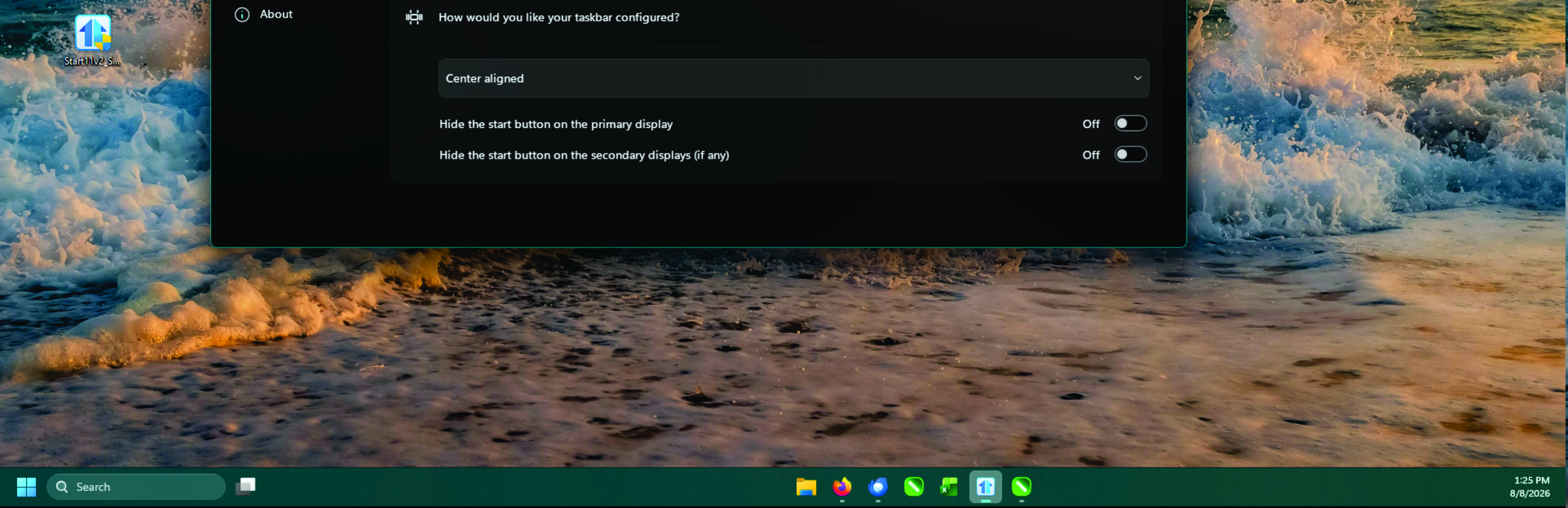
Just started using Start11, Ver 2.74, on an AMD PC running Win 11 Pro, with all the latest updates.  I have set my Start Menu to Windows 10 style, with the Taskbar configured as 'Center Aligned'.  While this works on Monitor 1, on Monitor 2 & 3 the Start, Search and New Desktop buttons are at the far left of the monitors, with the rest of the pined programs being center aligned - a distance of about 6 inches between them.

How do I get all 3 monitors to have all their buttons centered? 

Thanks.
577 views 8 replies
Reply #1 Top

Hello,

Sorry to hear you are having issues. First, Please try, uninstall Start11, reboot immediately (important), download latest version available in your account product download page: https://store.stardock.com/myaccount/products. Install it, reboot immediately again. Retest it and report back.

If the issue still appear, we need more information.

  1. Windows 11 full version and OS Build number. Use Winver.exe to get this number.
  2. Do you have Enhance taskbar turn on?
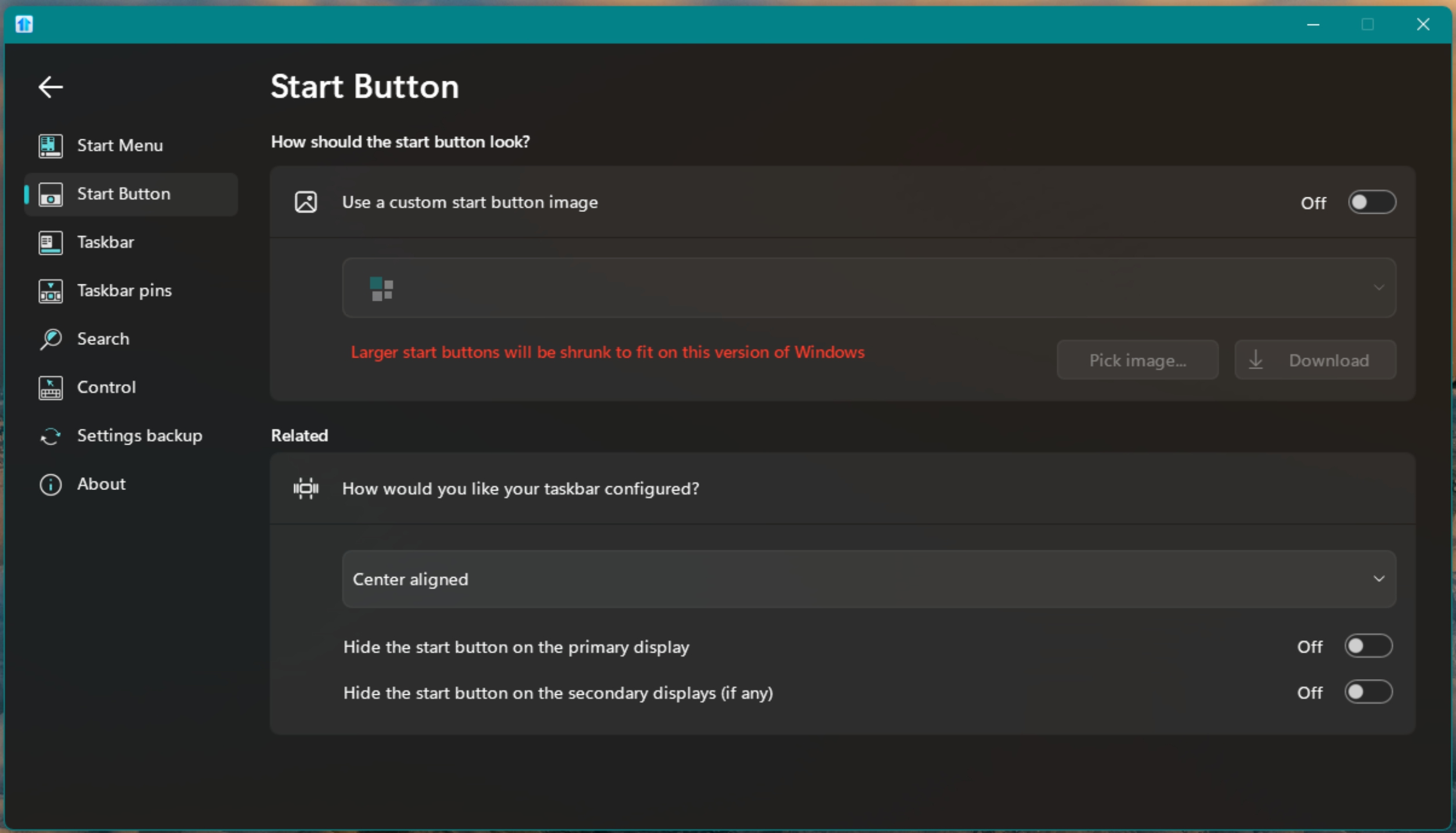
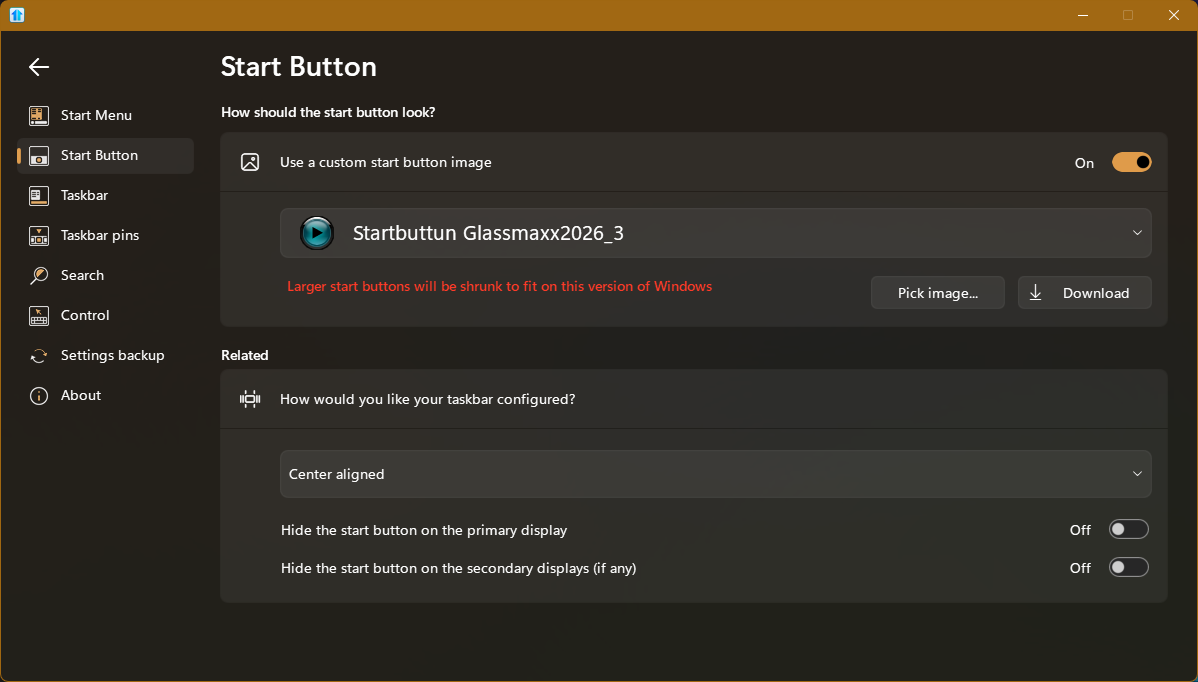
  3. What setting do you have on the "How would you like your taskbar configured" in Start button setting?

Thank you,

Basj,

Stardock Community  Assistant.

Reply #2 Top

Hi Basj, I have reinstalled as you requested, and still have the problem.

Winver says:
Version 25H2 (OS Build 26200.8875
Window 11 Pro

No, Enhanced Taskbar is not turned on.


Here is a SS of monitor 2 with the problem:

I have also noticed that when I select the SearchBar on monitor 2, it opens on monitor 1, but if I click on the StartButton on monitor 2, it opens on monitor 2 as it should.

Thanks,

Mel.

Reply #3 Top
Quoting Mel59, reply 3996679

No, Enhanced Taskbar is not turned on.

End of Mel59's quote

If Enhance taskbar is not turn on, than your taskbar is not fully control by Start11, please turn on Enhance taskbar to enable Start11 control on your taskbar and arrange your Start button and Taskbar buttons.

Thank you,

Basj,

Stardock Community  Assistant

Reply #4 Top

Are you sure you 100% sure you are using 2.74 as thats behaviour from earlier versions of Start11 which was changed a long time ago.

You must have enhanced taskbar enabled as the config UI is showing the options to hide buttons which isn't offered without enhanced taskbar.

Reply #5 Top

How do I turn on the 'Enhanced Taskbar' option?

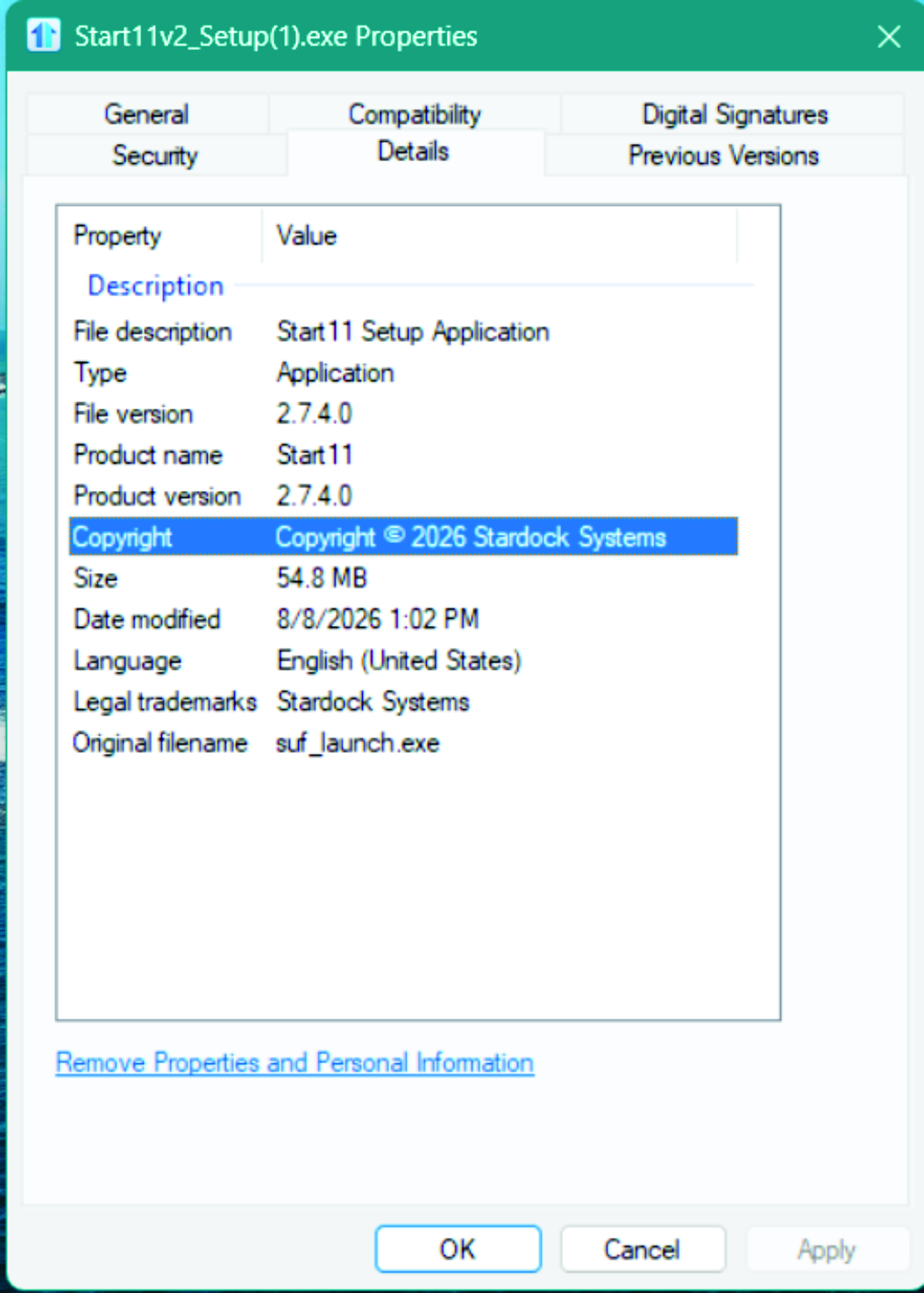
Yes, I'm sure it is Ver 2.7.4.0 (see below)

Version

Reply #6 Top

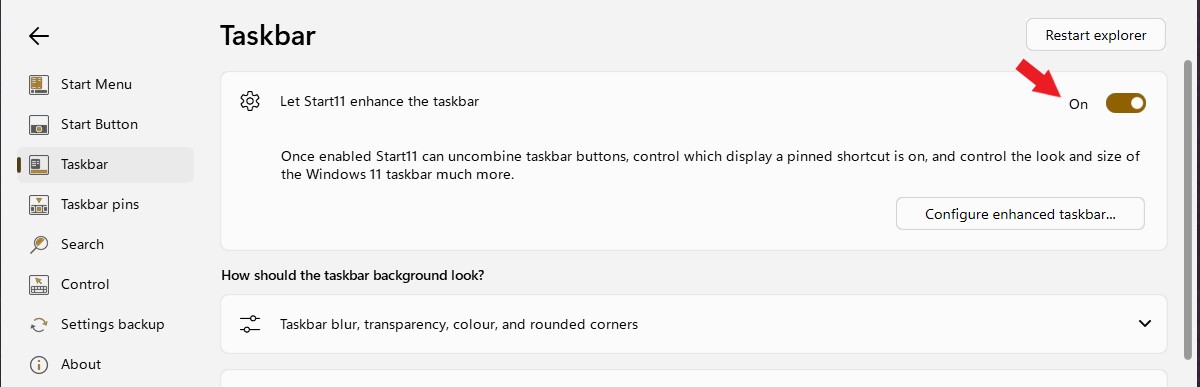
To turn on enhance taskbar, use this setting.

Thank you,

Basj,

Stardock Community  Assistant

Reply #7 Top

I have installed the Insider Preview that gives me the Enhanced Taskbar.  I reinstalled Start11 and changed its settings of the 'Taskbar icon alignment' from Left to Center, but 3 seconds later it automatically changes back to Left (in Windows Settings). 

When I use Start11 settings, the Left option works on all 3 monitors, the Left/Center option works on all 3 monitors, but the Center Alligned option (which is what I'm wanting) still has the problem - monitor1 gives me what I want, but monitors2 & 3 look like the Left/Center option.  I have also noticed that 'using a custom start button image' causes the start button to be centered, but the SearchBar and Desktop stay on the left of monitors 2&3.

Any other suggestions?

Thanks
Mel.

Reply #8 Top
Quoting Mel59, reply 3996731

I have installed the Insider Preview

End of Mel59's quote

Windows insider preview or something else? Enhance taskbar setting should appear on any recent Start11 version installed. If I recalled correctly it was there ever since Start11v1. Not really sure how it was not there for you.

Quoting Mel59, reply 3996731

I reinstalled Start11 and changed its settings of the 'Taskbar icon alignment' from Left to Center, but 3 seconds later it automatically changes back to Left (in Windows Settings).

End of Mel59's quote

This might due to something else is taking over control on your taskbar. Do you have any other application that also change your taskbar.?Application such as DisplayFusion, StartAllBack, OpenShell etc?

Thank you,

Basj,

Stardock Community  Assistant